Download Monke Mod manager - Mod Installer for Gorilla Tag
Download the Official Monke Mod Manager Latest version 2.0.3 by BzzzThe18th. Monke Mod Manager automates the installation of mods for Gorilla Tag. Monkey mod manager is 100% free, safe, open source, and available on GitHub. Download Now.
Download Monkey Mod ManagerTable Of Content
What is Monke Mod Manager?
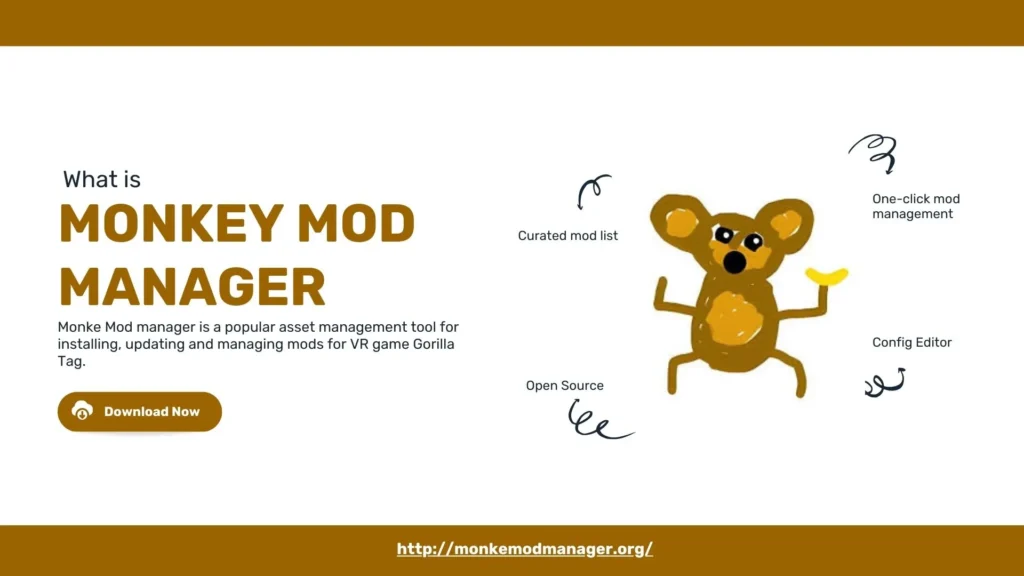
Monke Mod manager is a popular asset management tool for installing, updating, and managing mods for the VR game Gorilla Tag.
Monke Mod Manager is an open-source tool developed primarily by DeadlyKitten and contributed to by Bzzzthe18th and legoandmar, while the recent significant updates are credited to developers like Graze, who revitalised Gorilla Tag modding with a new, updated manager.
|
Software Name |
Monke Mod Manger |
|
Version |
v2.0.3 |
|
File Size |
251 KB |
|
Developer |
BzzzThe18th |
|
Updated On |
Jan 6, 2024 |
How Monke Mod Manager Works?
Monke Mod Manager (MMM) automatically detects your game, lets you select core dependencies such as Utilla and BepInEx, and then installs mods with one click. The manual process for setting up Goriila Taf modsise complex, where you create folders like BepInEx/plugins. Monkey Mod Manager connects directly to verified mod repositories to fetch the latest version.
According to GitHub repository statistics from 2024, over 2 million unique users utilize MMM for game customization.
What are the Features of Monke Mod Manager?
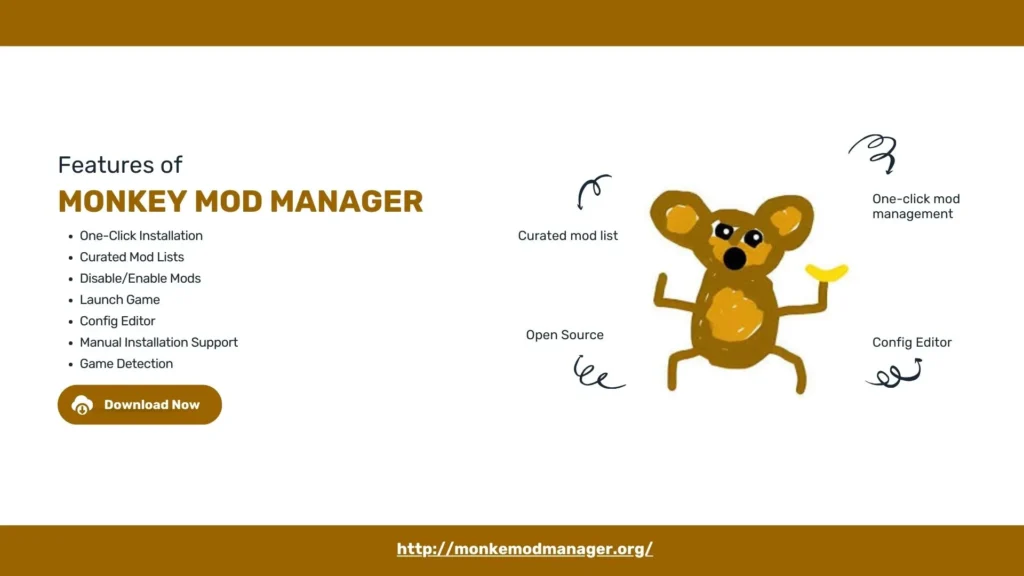
The Monke Mod Manager (also known as Monkey Mod Manager) features automated installation, a config editor, one-click mod installation, and more. These features of MMM are listed below.
- One-Click Mod Management: Install, update,e and uninstall mods like Utilla, TMP Loader, and others with one click.
- Curated Mod Lists: Pulls mods from updated sources like The-Graze Mod List to ensure you have the latest versions and reduce broken mods.
- Disable/Enable Mods: Toggle mods on or off without fully uninstalling them.
- Launch Game: Allow for launching Gorilla Tag directly from the mod Manager.
- Config Editor: Adjust mod settings directly from the manager.
- Manual Installation Support: The “Utilities” button opens the mods folder for manual drag-and-drop of additional .dll files.
- Game Detection: Automatically find your Gorilla Tag VR Game installation.
- Utilities: Quick access to game folders (like the plugins folder for manual DLLs) and other tools.
How to Download Monke Mod Manager?
To download Monke Mod Manager (MMM) for Gorilla Tag, follow these three steps.
Step 1 – Go to the official site: Visit the Monke Mod Manager (MMM) website.
Step 2 – Download MMM: Click the download button at the top of the page (also below) to download MonkeModManager.exe file
Step 3 – Run the file: Browse to the .exe file on your PC, run it, follow the on-screen instructions, and it will be downloaded.
MMM will automatically find your game. You can watch the tutorial below for a better understanding.
Now, if you wanna know how to use MonkeModManager, see details below.
How to Use Monke Mod Manager?
To use Monke Mod Manager for Gorilla Tag, follow these five steps.
- Step 1 – Download and run: Download and run the latest version of MMM.
- Step 2 – Locate Gorilla Tag: It will automatically find your gam. If it does not find your gam,e like Gorilla tag, manually point it to your Steam/steamapps/common/Gorilla Tag (Steam) or Oculus folder.
- Step 3 – Install core mods: Select core mods such as BepInEx, Utilla, XInject, and TMPLoader, then click “Install/Update” to set up your game.
- Step 4 – Install other mods: For additional mods, manually place their .dll files in the BepInEx/plugins folder, accessible via the manager’s “Utilities” button.
- Step 5 – Launch Game: Start Gorilla Tag normally; the mods will now load from the manager’s setup.
Here is how to use Monke Mod Manager for Gorilla Tag.
How to Update Mods in Monke Mod Manager
To update Mods in Monke Mod Manager, follow these steps below
- Step 1 – Launch MMM: Open the Monke Mod Manager application you have previously installed on your PC.
- Step 2 – Check for Core Updates: The manager often automatically checks for mod updates on startup. If it prompts you, or even if it doesn’t, you can manually trigger updates.
- Step 3 – Click “Install/Update”: With your desired mods (like Utilla, TMP Loader) checked in the manager, click the main “Install/Update” button.
- Step 4 – Handle Game Updates: After a Gorilla Tag game update, mods might break. Rerun the manager and click “Install/Update” to refresh everything.
- Step 5 – Check for New Mods: Use the manager’s interface to select and install any new mods available, or place downloaded .dll files into the Gorilla Tag\BepInEx\Plugins folder.
This is how you can safely update your mods in MMM.
How to uninstall Monke Mod Manager?
To uninstall Monke Mod Manager, follow these three steps.
- Step 1 – Locate MMM folder: Find the folder where you have installed Monke Mod Manager, often in C:\ProgramFiles\MonkeModManagerr
- Step 2 – Run Uninstall.exe: Simply click on the Uninstall.exe file inside the folder and follow the on-screen instructions.
- Step 3 – From Apps: Another method is to go to Settings> Apps. Locate MMM and click on uninstall.
Additionally, if you want to uninstall mods in MMM,
- Launch MMM
- Click the uninstall button in MMM to remove mods from your game, which often cleans up folders such as BepInEx and Plugins.
Frequently Asked Questions:
Is Monke Mod Manager legal to use?
Yes, using Monke Mod Manager is legal, as it operates under the MIT License,e which permits unrestricted use and modification.
Is Monke Mod Manager safe?
Yes, Monke Mod Manager is safe for basic, non-cheating mods, but in private lobbies. However, using it for game-breaking, public-lobby cheats violates the game’s TOS and risks bans.
Is Monke Mod Manager a virus?
No, it is not a virus. The tool is 100% safe, open source,e and the source file is available on GitHub too.
How to get Monke Mod Manager?
Download the latest version of Monke Mod Manager from this website. This page provides the direct link to the latest GitHub release.
How to add mods to Monke Mod Manager?
Monke Mod Manager automatically lists down available mods. To manually add mods such as the Bark mod menu, simply place the .dll file in the BepInEx/plugins folder. The manager will recognize valid files upon the next launch.
How to get mods on Gorilla Tag without Monke Mod Manager?
To get mods on Gorilla Tag without MMM, you can directly install BepInEx independently and then create specific folders and move .dll files manually.
Why is my Monke Mod Manager not working?
If your Monke ModManager is not working, you can test these quick fixes.
- Update Game and Mods
- Manually point the manager to Gorilla Tag
- Run as Administrator
If the issue is still not solved
- Uninstall MMM and reinstall it from our site.
Why can't Monke Mod Manager find Gorilla Tag?
This issue can occur if the game is installed in a non-default library. Browse your game manually by clicking the “Folder” icon in the manager, then select the Gorilla Tag.exe file to reset the path.
Why did Monke mod manager fail to update the version info?
This error indicates a network connection block. Firewalls or antivirus software often block the application from connecting to GitHub. Add MonkeModManager.exe to your antivirus exclusion list to resolve this.
How to download Monke Mod Manager without a PC?
You cannot download this manager without a PC. Monke Mod Manager is exclusively for the PCVR version of the game. It is incompatible with standalone Quest 2 or mobile devices.
Does Monke mod manager still work?
Yes, the manager works on the current game patch. The community updates the mod list daily. If a specific mod is greyed out, it is temporarily disabled for safety until the creator updates it.
Conclusion
Monke Mod Manager is a free, open-source, and definitive utility to install mods for Gorilla Tag in PCVR. MMM automates the complex process of file management by adding BepInEx libraries directly into the older, ensuring the mods are installed correctly. It has features such as automatic path detection, version control, one-click mod management, a config editor, and more. Monke Mod Manager centralizes the download and update process for mods like Gorilla Cosmetics.